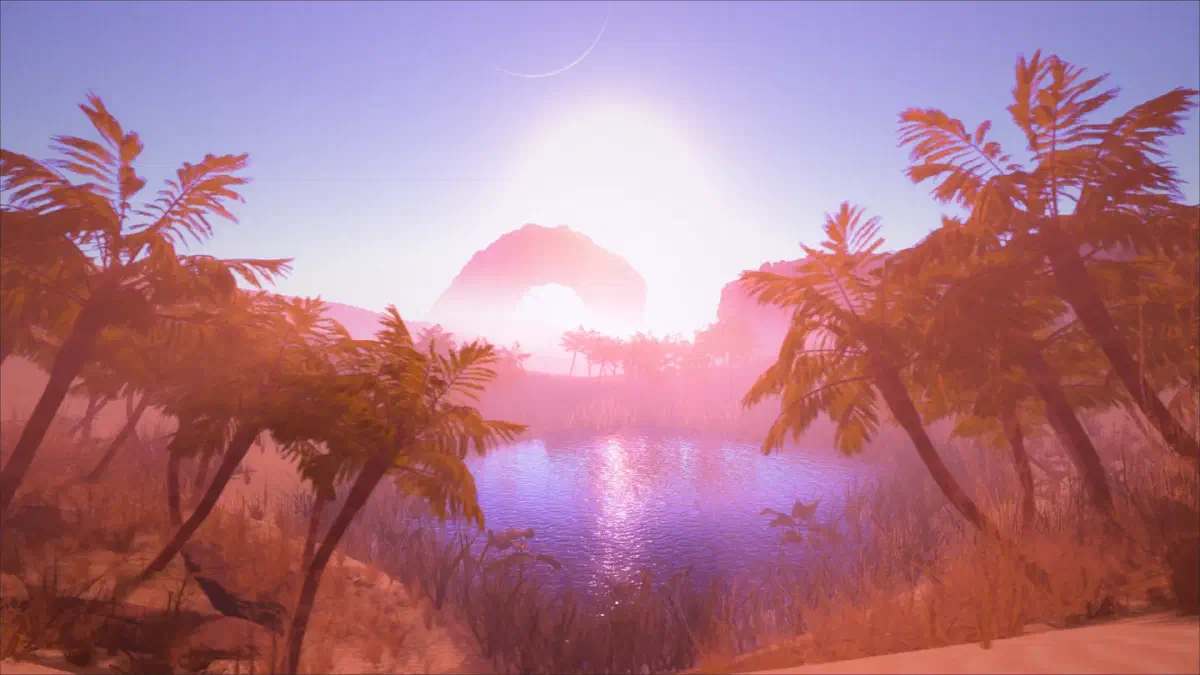
I was recently inspired by the latest Dune movie to make a desert scene that was just as compelling and believable as the wastes of Arrakis, but it ended up being more difficult than I expected!
I realised that making something look “barren” just makes it look, well, barren. To counter this, I felt the scene needed to be brought to life with a believable central theme. Water seemed the obvious choice, often enhancing a scene with reflections and ambient movement.
Once finished, I felt I’d picked up a few easy tricks to make believable 3D water, so made it the topic of my latest mini tutorial video on making 3D water in Godot Engine!
I hope you find it helpful and informative. As always, let me know if you have any questions or suggestions, and more details below!
Details – Making Water#
One common way to create water in video games is to use a flat plane with a normal map applied to it. This can be used to create everything from small puddles to vast oceans, and helps keep the geometry count to a minimum.
One benefit of using a flat plane is that it’s easy to create reflections and refractions on the water’s surface. You can also use this technique to create other types of liquid like lava, but for now let’s keep it simple!
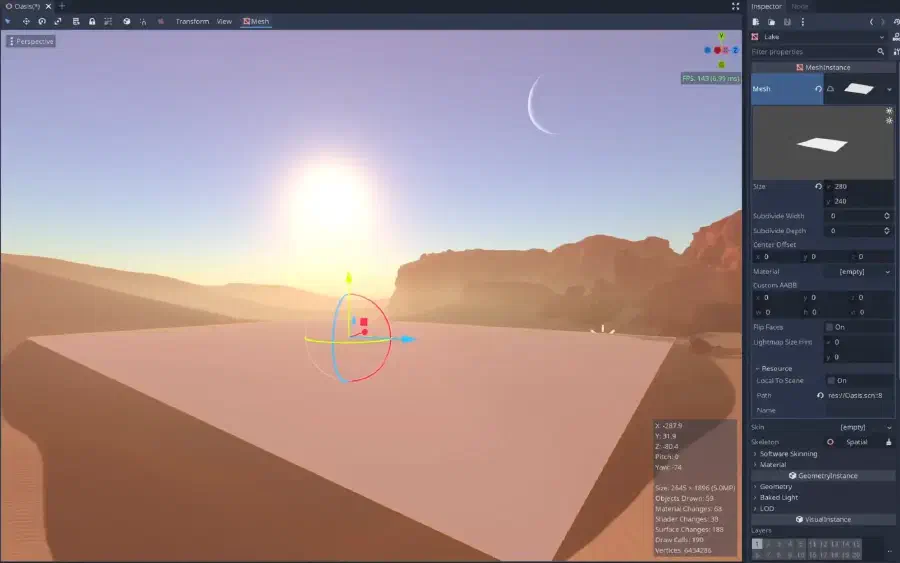
We use the normal map to give the water its rippling, wave-like appearance. Normal maps are a great way to add extra detail to your 3D models without having to increase the polygon count.
Loosely speaking Normal maps work by simulating the way light interacts with a 3D surface. When light hits a 3D object, it will bounce off in a certain direction depending on the angle of the surface. By using a normal map we can alter this behaviour, controlling how light will bounce off of a given surface in the game.
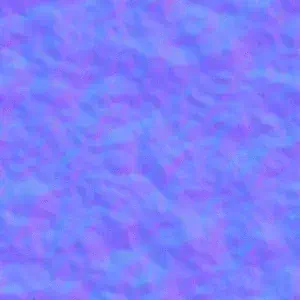
Using procedural noise, we can control the normal map to make the water’s surface look rougher or smoother than it actually is. This is also useful for adding extra details like cracks or bumps to other objects that would be too difficult to model by hand. For our purposes, we apply a procedural noise texture to the normal map and constantly move it’s UV coordinates, adding a wave like motion to the surface driven by the texture.
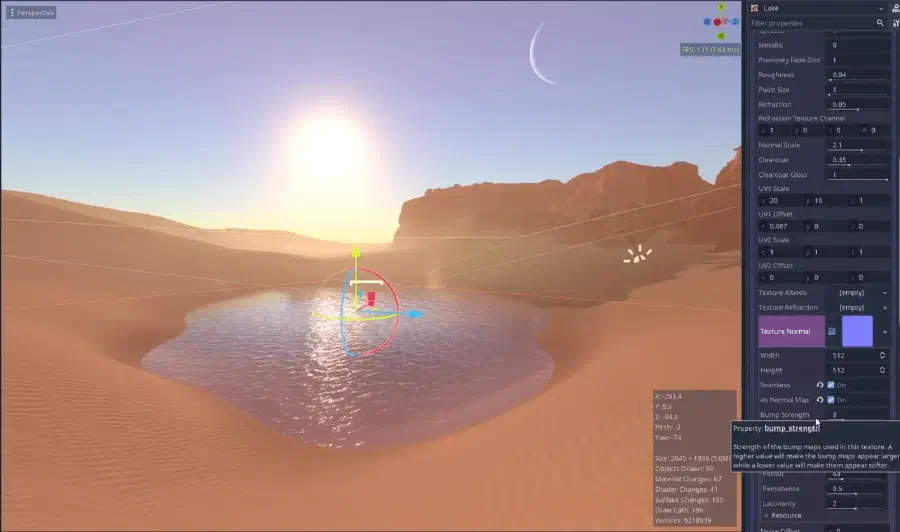
Extra Tip – Ambient Movement#
Ensuring your 3D scene has some degree of constant movement is important to ensure it does not come across as lifeless. I’ve stressed before how important it is to use this sparingly though, as it does not take much for it to become distracting. I made sure to only use a very subtle left to right movement in the waves for my scene. This movement also matches the movement of surrounding objects I added later, such as the dust storm, trees and grass.
When we look at an object on a computer screen, the edges are always in focus. This can make objects look sharp and unrealistic. By blurring the edges of 3D objects, we can trick our brain into thinking that the object is in focus. This creates a more realistic look that can greatly improve the immersion in a game.
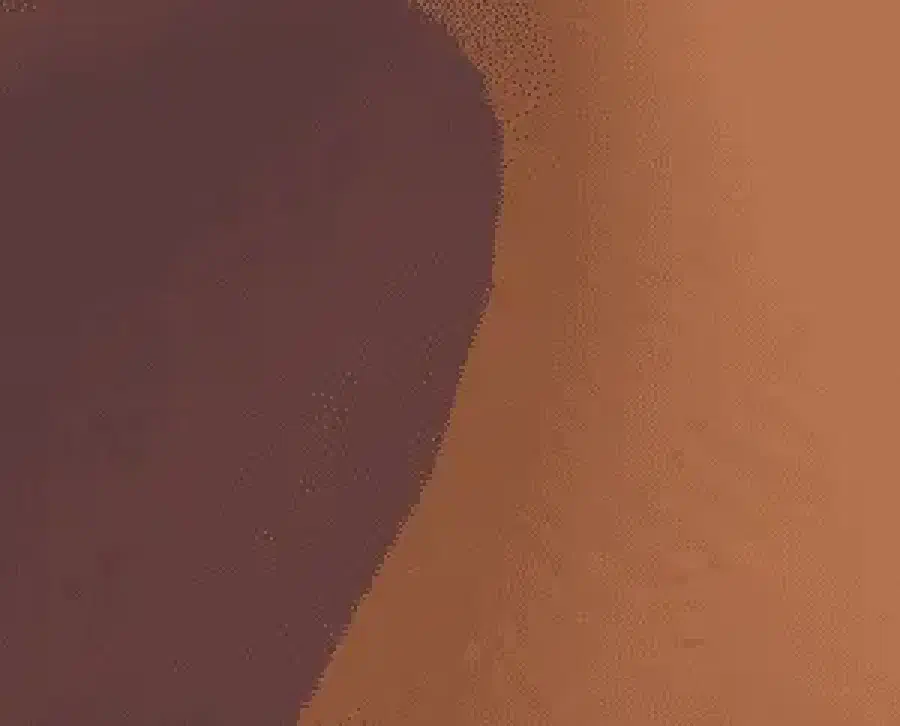
A quick and dirty solution is to use the Proximity Fade on the water’s Spatial Material shown below:
So next time you’re playing a game, take a look at the edges of the objects and see if they’re blurred. If they are, know the developers went to particular effort to achieve this effect to improve the perceived realism.
That concludes this mini tutorial on Making 3D Water in Godot Engine. Thanks for reading/watching, and please let me know what you’d like to see next in the comments!
🦋 Follow me on BlueSky: https://bsky.app/profile/bimbam-tm.bsky.social
▶️ More on my Channel: youtube.com/c/BeauSeymour
Beau Seymour